How IPTV Subscriptions Actually Work
When you subscribe to an IPTV service, you are purchasing access to a provider's streaming infrastructure — their servers, their channel lineup, and their delivery network. Unlike cable or satellite television, there is no physical hardware installation involved. Your subscription is delivered entirely over your existing broadband connection, accessed through a compatible media player application on a device you already own.
After subscribing, a provider typically delivers your access credentials in one of two formats. The first is an M3U URL — a web address pointing to a plain-text playlist file that lists all available channels. The second is an Xtream Codes login consisting of a server URL, a username, and a password, which your IPTV player uses to authenticate and fetch channel data dynamically. Some providers offer both options; others are limited to one.
You load these credentials into your chosen IPTV player application, and the player organizes your channels into a browsable interface — usually with a TV guide grid if EPG data is available. From that point forward, your experience is determined by the quality of three things: the provider's server infrastructure, your broadband connection, and your player application.
An IPTV subscription grants you access to a provider's channel lineup. It does not guarantee any specific level of quality, uptime, or content rights. Always test before committing to any payment, especially for longer subscription terms. Our free trial guide helps you find providers who offer genuine pre-purchase testing.
Types of IPTV Subscription Plans
The IPTV market uses several distinct subscription structures. Understanding the differences helps you avoid overpaying or committing to a plan that doesn't match your usage habits.
- Cancel any time
- Lowest risk option
- Good for testing
- Higher per-month cost
- Discounted vs monthly
- Time to verify quality
- Manageable risk level
- Reasonable if trial was good
- Lowest per-month cost
- Higher upfront spend
- Risk if provider disappears
- Only after proven quality
Always start with a monthly subscription when using a provider for the first time — even after a successful free trial. Month-to-month gives you the freedom to switch if quality drops, if the service disappears, or if you find a better option. Only move to quarterly or annual plans once you have multiple months of reliable service to justify the commitment. Be very cautious of "lifetime" subscriptions, which in this market are extremely rarely sustainable.
What's Typically Included in an IPTV Subscription
IPTV subscription packages are not standardized — what one provider includes as standard, another charges extra for. Before subscribing, confirm what the following components look like for any provider you're considering.
The core of any IPTV subscription. Channels are delivered as live streams — you watch in real-time, just as you would on cable. Confirm the total count of live, functional channels — not the advertised figure, which often includes dead links and duplicates.
Many providers include a VOD library of films and TV series alongside the live channel lineup. VOD quality and size vary enormously. Some providers include tens of thousands of titles; others include a negligible or poorly maintained library. Verify VOD content independently during a trial.
EPG data provides the TV schedule grid that appears in your player — showing what's on now and what's coming up. Not all providers supply EPG data, and EPG coverage quality varies significantly. Without EPG, your player shows only channel names with no scheduling information.
Some premium IPTV subscriptions include catch-up functionality — the ability to rewind live television and watch content from the past few days. Coverage is channel-specific and varies widely. Confirm which channels support catch-up before this feature influences your subscription decision.
Confirm whether your subscription delivers credentials via M3U URL, Xtream Codes, or both. M3U is universally compatible; Xtream Codes often enables richer features like catch-up and better VOD integration. Your preferred IPTV player will determine which format you need.
Support access, response times, and quality are part of what you're paying for. Confirm how support is provided — WhatsApp, Telegram, email, or ticket system — and test response times with a pre-sale question before committing.
IPTV Subscription Pricing: What to Expect in 2026
IPTV pricing is one of the most confusing aspects of the market for new subscribers. The range is enormous — from a few dollars per month to hundreds for supposedly "lifetime" access — and price alone tells you very little about actual quality.
Understanding what different price brackets typically represent helps you set realistic expectations and identify pricing that's suspiciously below what a sustainable service actually requires to operate.
| Price Range (Monthly equiv.) | What It Typically Represents | Risk Level | Recommended? |
|---|---|---|---|
| Under $3 / £3 | Unsustainable resellers, likely to disappear | Very High | Avoid |
| $3–$8 / £3–£7 | Budget resellers — variable quality, limited support | High | Trial only |
| $8–$15 / £7–£12 | Mid-range providers — reasonable quality possible | Medium | Trial first |
| $15–$25 / £12–£20 | Established providers — better infrastructure, support | Lower | Recommended range |
| "Lifetime" (any price) | Rarely sustainable in this market | Very High | Avoid |
These ranges are approximate guides, not guarantees. Price is one input among many — a mid-range provider can outperform an expensive one if their infrastructure is better managed. Use pricing as a filter for obviously unsustainable options, not as a quality ranking.
Connections, Multi-Room & Simultaneous Viewing
One of the most frequently misunderstood aspects of IPTV subscriptions is connection limits. Unlike cable television — where multiple TVs in your home typically share a single subscription — IPTV subscriptions commonly limit how many devices can stream simultaneously.
Most standard subscriptions allow one active stream at a time. If a second device attempts to connect while the first is active, it will typically either fail to load or disconnect the first stream. Multi-connection subscriptions — allowing two, three, or four simultaneous streams — are available from many providers, usually at a higher price per line.
For households where multiple people watch independently, clarify connection limits before subscribing. Some providers bundle additional connections cheaply; others treat each connection as a separate subscription. Understanding this structure prevents awkward interruptions when a second household member attempts to watch.
Understanding IPTV Connection Limits vs. Cable
On a traditional cable or satellite subscription, every television in your home receives the same signal simultaneously — connection limits are a foreign concept in that model. IPTV works differently because each stream is a separate data request to the provider's servers. Sending three simultaneous streams to three devices in the same house requires the provider to serve three separate connections, each consuming bandwidth on their infrastructure.
This is why connection limits exist, and why multi-connection plans typically cost more. If you're replacing cable for a full household, account for this from the start — a single-connection subscription will frustrate multiple viewers almost immediately.
For a side-by-side comparison of what IPTV replaces versus what it requires, our IPTV vs cable TV guide covers the practical differences in detail.

Device Compatibility: What Works Where
One of the genuine advantages of IPTV over cable is device flexibility — your subscription credentials work on any device running a compatible IPTV player. However, "compatible" is not universal. Different devices require different player applications, and not every player is available on every platform.
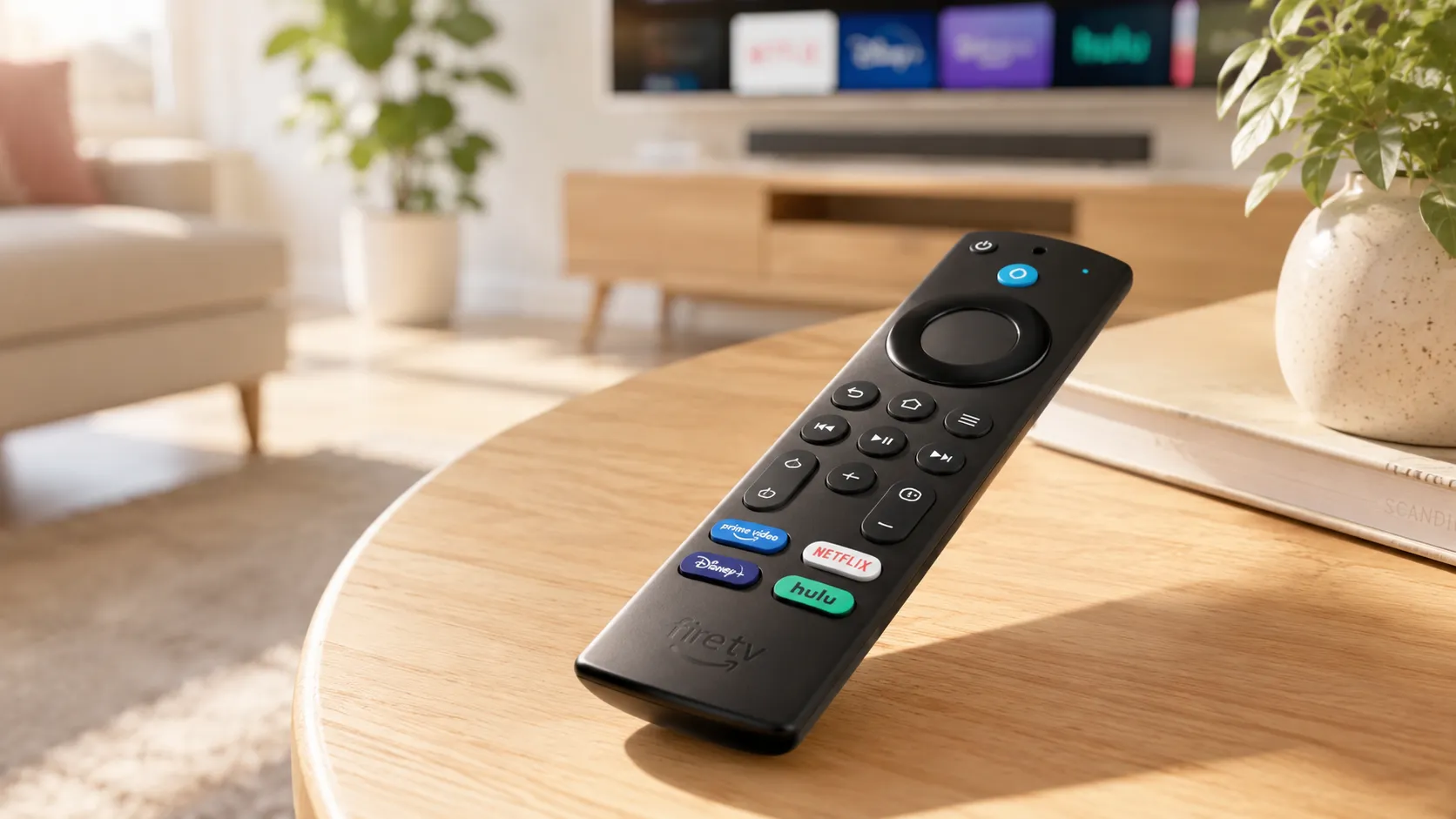
- Amazon Fire TV Stick: The most popular IPTV device in both the USA and UK. TiviMate and IPTV Smarters Pro are the leading options, both requiring sideloading. See our Firestick IPTV guide for step-by-step setup.
- Android TV / Google TV: Full access to TiviMate, IPTV Smarters Pro, and many alternatives via the Google Play Store — the most convenient setup experience overall.
- Smart TVs (Samsung, LG): Options are more limited. Samsung's Tizen OS and LG's webOS have fewer IPTV player options than Android. Smart IPTV and similar web-based players are common choices.
- iOS (iPhone/iPad): GSE Smart IPTV and IPTV Smarters are available on the App Store. TiviMate is Android-only. Our player comparison covers iOS options in full.
- Windows PC / Mac: VLC Media Player can handle M3U files, though dedicated players like IPTV Smarters Pro for PC offer a more organized experience.
- Roku: Limited native IPTV player options. Some M3U compatibility exists through third-party channels, but Roku is not the optimal IPTV platform.
Confirm that your subscription's delivery format (M3U or Xtream Codes) is supported by the player you intend to use on your specific device before purchasing. Mismatches between format and player are a common and easily avoidable source of frustration.
Full Subscription Evaluation Checklist
Use this checklist when evaluating any IPTV subscription — whether during a free trial or when comparing providers before making a purchase decision.
Never subscribe without testing. A 24–48 hour trial is standard among reputable providers. If a trial isn't offered, that itself is a warning sign worth taking seriously.
Prepare a list of 10–15 channels you watch regularly. Test each during the trial period, including during evening primetime hours when server load is highest.
Load the credentials into your actual IPTV player on your actual device. Don't assume compatibility — verify it during the trial period before any payment changes hands.
Confirm that programme guide data loads for your most-watched channels, is accurate, and updates correctly. Poor EPG is a daily usability problem that compounds over time.
Send a pre-sale support question and measure response time and quality. If they're slow or unhelpful before your money is involved, expect worse service afterward.
Even after a successful trial, begin with a monthly subscription. Confirm consistent quality over 4–8 weeks before committing to quarterly or annual plans.
IPTV Subscription vs. Cable TV: The Practical Comparison
The decision to replace or supplement traditional cable with an IPTV subscription involves trade-offs that aren't always visible from a sales perspective. Understanding what changes — and what doesn't — prepares you for a realistic transition experience.
Cable television delivers a guaranteed, relatively consistent experience governed by a regulated provider under a binding service agreement. IPTV delivers potentially superior flexibility and value, but without the same contractual protections or infrastructure guarantees. The service can change without notice; channels can disappear; providers can go dark. These risks are manageable with the right evaluation approach, but they are real and worth understanding before you cancel your cable plan.
Our dedicated IPTV vs cable TV guide walks through this comparison in full — covering cost, reliability, channel selection, contract terms, and the practical experience of switching. It's essential reading if you're considering IPTV as a full cable replacement rather than a supplement.
Common IPTV Subscription Mistakes to Avoid
- Paying annually before testing monthly: The most expensive and common mistake. Always verify quality at monthly commitment before extending to longer terms.
- Ignoring the connection limit: Subscribing to a single-connection plan for a multi-viewer household guarantees frustration within days.
- Skipping the trial: Even if a provider comes highly recommended, your specific device, connection, and location affect your experience. Test personally before paying.
- Choosing based on channel count alone: 20,000 channels means nothing if your priority ten aren't stable. Quality trumps quantity in every scenario.
- Not testing during peak hours: A provider that performs well at 10am may buffer heavily at 8pm during peak viewing. Test at the times you'll actually watch.
- Forgetting to verify legality: Before subscribing, consider whether the service appears to hold appropriate content licensing. Our IPTV legality guide explains what to look for.
About IPTV Subscriptions and Content Authorization
The Ofcom Connected Nations report provides useful background on how UK broadband and streaming infrastructure operates — helpful context when evaluating the technical claims IPTV providers make about their delivery networks. Understanding the broader infrastructure landscape makes it easier to assess whether a provider's promises are realistic.
This guide covers IPTV subscription technology and purchasing considerations. We do not endorse, recommend, or link to specific commercial IPTV providers. The legality of any IPTV service depends on whether it holds appropriate content distribution licenses in your jurisdiction. Always verify this before subscribing. Laws and regulations governing IPTV vary by country and region. This content is for informational purposes only and does not constitute legal advice.